Post-Purchase Support: Answer "How Do I Use This?"
Many returns start as unanswered "how do I use this?" questions. Learn how Shopify stores can deliver post-purchase product support in chat to cut returns.
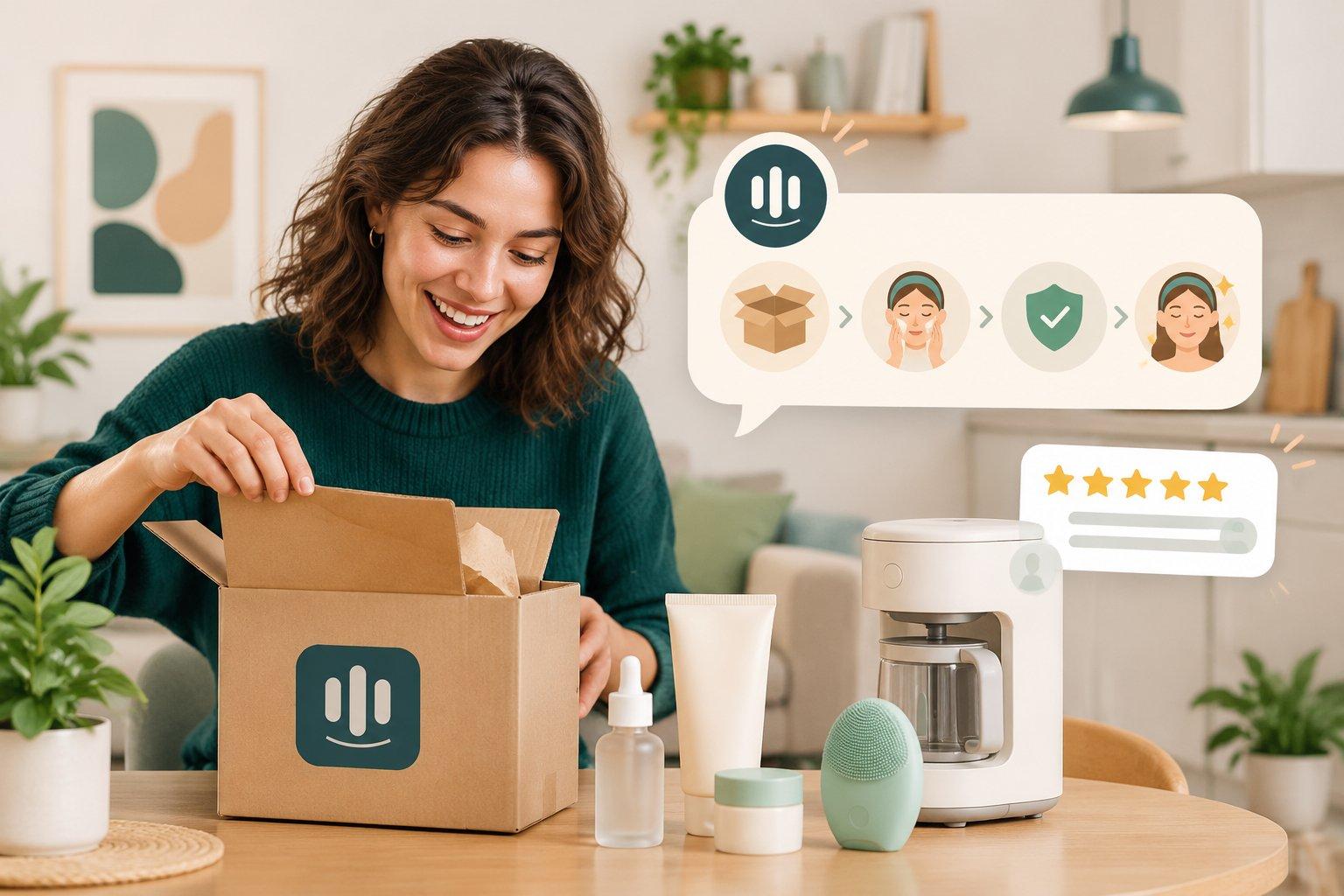
Post-Purchase Support: Answering "How Do I Use This?" to Cut Returns
Short answer: many product returns and disappointed reviews don't start with a defective product. They start with a customer who isn't sure how to use, set up, apply, or care for what they bought. Shopify stores can reduce this by creating short usage guides for their best-selling products, proactively sharing them after delivery, and making sure customers can ask "how do I use this?" in chat and get an accurate answer at any hour.
Why post-purchase questions are a hidden revenue problem
Most stores invest heavily in the path to purchase: product pages, ads, cart recovery. After the order ships, attention moves on. But the first few days after delivery are when customers decide whether they're happy.
Consider a few common moments:
- A skincare buyer isn't sure whether the serum goes before or after moisturizer.
- A kitchen gadget arrives and the setup isn't obvious.
- A wool sweater needs special care, and the customer isn't sure how to wash it.
- A device needs to be charged or paired before first use.
If the customer can't get a quick answer, the experience feels disappointing. Some will figure it out. Others will request a return, leave a lukewarm review, or simply not buy again.
Step 1: Find the questions customers already ask
Start with evidence, not guesses. Look through recent conversations, emails and product reviews for:
- "How do I…" and "Is it normal that…" questions
- Return reasons mentioning "didn't work," "too complicated," or "not as expected"
- Reviews that mention confusion about setup or usage
Group them by product. You'll usually find that a handful of products generate most of the post-purchase questions.
Step 2: Write short, scannable usage guides
For each high-question product, create a short guide that covers:
- First use: what to do right out of the box.
- How to use it well: the two or three steps that make the biggest difference.
- Care and storage: cleaning, washing, or storage instructions.
- What's normal: for example, a new smell that fades, or a texture change.
- When to contact you: what signals a real problem rather than a learning curve.
Keep each guide short enough to read on a phone. Bullet points and simple steps work better than long paragraphs.
Step 3: Make the answers available everywhere
A guide is only useful if customers find it at the moment they need it. Put the same content in:
- Product pages (a "How to use" section or tab)
- Order confirmation or delivery emails
- Your help center or FAQ
- Your chat knowledge base, so anyone, human or AI, answering chat gives the same instructions
Consistency matters. If the product page and the chat give different care instructions, customers lose confidence.
Step 4: Reach out proactively after delivery
Instead of waiting for questions, send a short message a few days after delivery:
Example: "Your order should have arrived! Here's a 60-second guide to getting the best results from your new serum. Questions? Just reply here and we'll help."
This works especially well for products with a learning curve. It also opens a natural channel for feedback, so problems are raised with you before they become returns or reviews.
Step 5: Know when to escalate
Usage questions are usually simple, but some deserve human attention:
- Possible defects (a device that won't power on after following all steps)
- Safety concerns or allergic reactions; these should always go to a person, and your assistant should never give medical advice
- Customers who have already tried the guide and are still stuck
- Requests for exceptions to your return policy
When a conversation is handed over, include a summary of what the customer has already tried.
Step 6: Close the loop
Post-purchase conversations are a goldmine for improvement:
- If the same question appears again and again, update the product page or packaging insert.
- If a product generates a lot of confusion, consider adding a quick-start card in the box.
- Track whether returns for that product decrease after you add guides.
What to avoid
- Long PDF manuals as the only resource. Most customers won't read them.
- Answers that contradict the packaging. Align your chat answers with what's printed on or in the product.
- Over-messaging. One helpful message after delivery is welcome; a daily sequence is not.
- Guessing. If you're not sure how a product behaves, say so and check with the supplier instead of improvising.
How TaggoAI helps
TaggoAI for Shopify gives your customers a knowledgeable assistant after the sale, not only before it:
- Answers grounded in your own content: product information, usage guides and policies you provide, so instructions are consistent and accurate.
- 24/7 availability on store chat, Messenger, Instagram, WhatsApp and email, which matters because customers often unbox in the evening or on weekends.
- Order lookup and delivery tracking for the "has it arrived yet?" questions that come first.
- Product recommendations when it makes sense, such as a compatible accessory or refill.
- Handoff to your team with a conversation summary for defects, safety concerns, or anything the assistant isn't sure about.
- TaggoAI Inbox with a mini CRM and broadcast tools, so your team can see each customer's history and send a helpful follow-up message after delivery.
You control the assistant's autonomy, starting with drafted replies for your team to review if you prefer.
FAQ
Which products need post-purchase guides most? Start with products that generate the most "how do I" questions or returns with reasons like "didn't work" or "not as expected." That's usually a small part of your catalog.
Should an AI assistant answer product usage questions? Yes, if it answers from the guides and product information you've provided and hands off defects, safety concerns, or unclear cases to a person.
When should I send a post-purchase message? Shortly after expected delivery, once the customer has had a chance to open the package. Keep it to one short, useful message.
Can post-purchase support really reduce returns? It can help reduce returns caused by confusion or unmet expectations. It won't fix a defective product, but it often prevents returns of products that work fine once used correctly.
Conclusion
The sale isn't the finish line. Customers who know how to get value from what they bought are more likely to keep it, review it well, and come back. Find the questions customers already ask, turn the answers into short guides, share them proactively, and make sure someone is always available to answer "how do I use this?"
Want to support customers after the sale, around the clock? Try TaggoAI for Shopify and give every buyer instant, accurate answers from your own product guides.
Sẵn sàng nâng tầm chăm sóc khách hàng?
Tạo AI Agent thông minh cho doanh nghiệp của bạn chỉ trong vài phút.

